
GuidingCents publishes free, illustrated guides for Windows, Microsoft Office, and everyday computer hardware.
Every guide is tested on a real machine before it goes up, and every step comes with a picture of the screen you should be looking at. When a guide doesn’t cover your problem, you can send it to us and we’ll answer — also free.
To get you to the answer faster than anyone else does.
Every guide here is written so the fix is the first thing you find, not the last. Tested on a real machine, illustrated at every step, and free of the padding that exists to fill a word count.

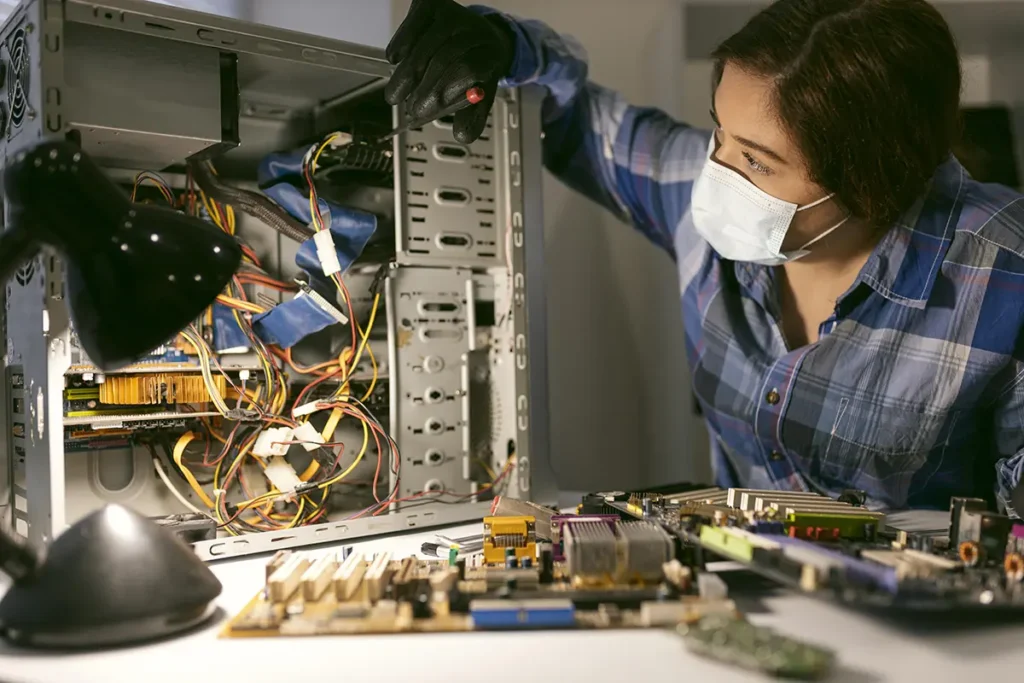
A web where fixing your own computer is normal again.
Most problems people pay to have solved are things they could have handled in fifteen minutes with clear instructions and a picture of the right menu. We’d like a lot more people to find that out — and to walk away from a repair shop knowing they didn’t need to go.
Honesty about limits. When a problem needs hands-on work or a hardware replacement, we say so. We’d rather send you elsewhere than guess.
No hidden agenda. We don’t sell repair services, we don’t sell software, and we don’t have an affiliate deal steering you toward a product. If a guide recommends something, it’s because it works.
Respect for your time. The answer comes first. Background goes at the bottom, for anyone who wants it.
Safety before speed. Some fixes void warranties or lose data. Those warnings go before the step, not in a footnote after it.
No preamble about how important computers are in modern life. If the fix is a checkbox in Word’s paragraph settings, that’s on the first screen you see.
Menus move between Windows versions and Office updates. A screenshot of the actual screen removes the guessing.
Every process gets run on a real machine. When a documented step doesn’t work in practice, we say so instead of copying it anyway.
Windows and Office move menus constantly. When a guide stops matching reality, we revise it and note the date.
Two things happen here, and both are free.
The guides cover Windows, Office, and hardware maintenance you can do yourself. That’s the bulk of what we publish.
The questions cover everything the guides don’t. Some problems are too specific to write a general guide about — a particular error, on a particular machine, after a particular update. Send it over and we’ll work out what’s happening. If it turns out to be common, it becomes the next guide.
GuidingCents is remote and email-based. Send a question from anywhere and we’ll reply within a day.
We never take remote access to anyone’s machine, never ask for passwords, and never call about problems we’ve “detected” on your PC. You get instructions; you decide whether to follow them.

Roberto Gregoire is a Desktop Support Technician with more than 7 years of experience helping people fix Windows and Microsoft Office problems. He studied at Carnegie Mellon University before moving into desktop support with Insight Global, where he has spent his career working directly with users on hardware, software, operating system, account, and connectivity issues. Day to day, that means diagnosing the problems people actually run into: a driver that stopped working after an update, an Outlook error with no obvious cause, a printer that won’t come back online, a laptop that has slowed to a crawl. Over seven years of that work, Roberto developed a particular depth in Windows 11 and the Microsoft 365 applications, along with a habit of writing down what actually solved a problem rather than what should have. That habit is what led to GuidingCents. Support work teaches you quickly that the person on the other end doesn’t want a lecture on how the operating system handles drivers — they want to know which menu to open and what to click. Roberto writes the same way he troubleshoots: step by step, in order, checking that each instruction works before moving to the next one.
Carnegie Mellon University
Desktop Support Technician, Insight Global — 7+ years
Roberto enjoys troubleshooting technology and turning complicated computer problems into simple, understandable solutions. Seven years of desktop support gave him a clear picture of what everyday Windows users actually struggle with, and GuidingCents lets him share those solutions with more people than one support queue ever could.
Found a guide that no longer matches your screen? Stuck on something we haven’t covered? Tell us. Reader questions decide what gets published next.