
Most computer problems have a fix you can do yourself. The hard part is working out which fix applies to your machine.
That’s what this is for. Describe what’s happening and we’ll tell you what’s going wrong and what to do about it. No charge, nothing to buy, no upsell at the end — we don’t sell repair services. If the answer is a ten-minute fix, we’ll send you the steps and that’s that.
Send us anything in these areas:
Fair question. Nothing on this site is behind a paywall and we’re not building toward one.
The honest answer: your questions make the site better. Every problem someone sends is a real issue phrased the way people actually search for it — which tells us what to write next far better than guessing does. The questions that come up repeatedly become full illustrated guides.
So you get an answer, and the next person who searches for the same thing gets a guide. That’s the whole arrangement.
Use the form. Tell us the exact error message, what kind of machine it is, and what you were doing when the problem started. Screenshots help more than descriptions.
A real diagnosis from a person who read your message. Not a chatbot, not a form letter.
Written in order, for your situation. If we’ve already published a guide covering it, we’ll point you straight there.
We send you instructions. You run them on your own machine, at your own pace, and you can stop at any point.
We will never ask for your passwords, never ask you to install remote-access software, and never call you about problems we’ve “detected” on your PC. If you get a message claiming to be from GuidingCents that does any of those things, it isn’t us.
We work on Windows desktops and laptops. Phones, tablets, and game consoles are outside what we can help with — you'd get better answers elsewhere.
If a drive has been dropped, flooded, or is making mechanical noises, it needs a clean-room recovery lab. No amount of software advice fixes that, and anyone telling you otherwise is selling something.
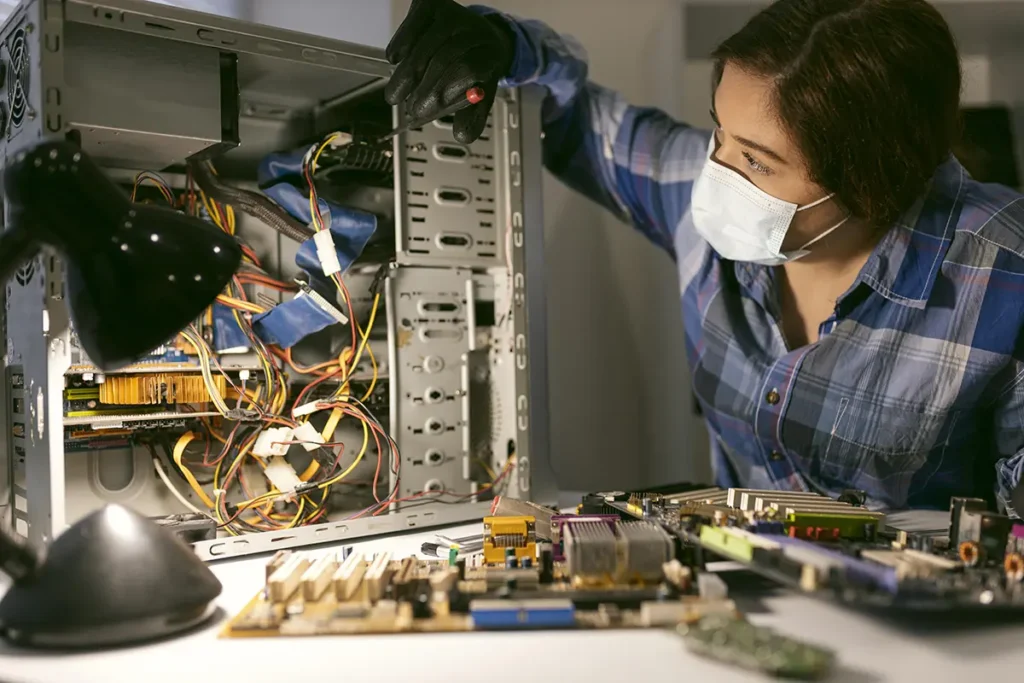
Some problems need hands-on diagnosis or a hardware replacement. When yours is one of them, we'll say so plainly instead of guessing.
Any fix carries some risk. If a drive is already failing, even reading from it can push it over the edge. Copy what matters to an external drive or cloud storage before you attempt anything — whether the instructions came from us or from anywhere else.
It’s free, there’s nothing to buy, and you’re not committing to anything by asking.