
Modular vs non-modular PSU explained in one sentence: the only real difference is whether the power cables are permanently attached to the power supply or can be plugged in and removed as needed. That small design choice affects cable clutter, airflow, build difficulty, and price, but it does not change how much power the unit delivers. This guide covers what each type means and how to pick the right one.
Key Takeaways
- A non-modular PSU has every cable permanently attached, a semi-modular PSU has only the essential cables attached, and a fully modular PSU has every cable detachable.
- Modularity is about convenience and tidiness. It does not make a power supply more powerful, safer, or automatically higher quality.
- Modular units shine in small cases, builds with few components, and anyone who wants a clean look. Non-modular units suit budget builds where most cables get used anyway.
- Modular cables are specific to the PSU model they ship with. Never mix cables between brands or even between different series from the same brand.
Modular vs Non-Modular PSU Explained: The Quick Answer
For most builders, a semi-modular or fully modular PSU is the better pick when the price difference is small, because only the cables that are actually needed end up inside the case. A non-modular PSU is still a perfectly good choice when the budget is tight and the build uses most of the cables anyway. The decision comes down to case size, build complexity, and how much tidiness matters.
Non-Modular PSU
Every cable is hard-wired into the unit. That usually means a 24-pin motherboard cable, CPU power cables, PCIe graphics cables, SATA cables, and Molex connectors all come out of the PSU as one fixed bundle. Unused cables cannot be removed, so they have to be tucked away somewhere in the case. Think of it like a power strip with a dozen fixed cords – handy if every cord gets used, messy if only three do.
Semi-Modular PSU
The cables that every system needs, typically the 24-pin motherboard cable and the main CPU power cable, are permanently attached. Everything else, such as PCIe, SATA, and peripheral cables, plugs in only when needed. This is the middle ground and often the best balance of cost and tidiness.
Fully Modular PSU
Every cable, including the 24-pin and CPU cables, detaches from the unit. This gives the most control over cable routing and makes it easy to swap in only what is needed. It also makes replacing a damaged cable simpler, as long as the replacement is the correct one for that exact PSU model.
Tip: Check the product page for the exact wording. Some listings call a unit modular when it is actually semi-modular, so confirm whether the 24-pin and CPU cables detach.
Modular vs Non-Modular PSU: Key Differences
Cable Management and Airflow
This is where modular designs earn their reputation. With fewer cables inside the case, there is less to hide behind the motherboard tray and fewer bundles crowding the airflow path. Most people find that a clean cable layout makes the build easier to work on later, especially when adding a drive or swapping a graphics card. In a roomy case with good cable routing space, a non-modular unit can look just as tidy, but it takes more patience.
Cost
Modular units generally cost a little more than comparable non-modular ones, because the detachable connectors add manufacturing cost. The gap varies by brand and model, so comparing the specific units under consideration is the only reliable way to know. A well-built non-modular PSU from a reputable brand is a better buy than a poor-quality modular one.
Efficiency and Performance
Modularity has no bearing on efficiency or power delivery. Efficiency is shown by the 80 PLUS certification level, and power capability is shown by the wattage rating and rail design. Two units with the same certification and wattage perform the same way for the same load, whether their cables detach or not.
Reliability
Modular connectors add extra plug points between the PSU and the components, which is why some people worry about reliability. In practice, well-made modular connectors hold up fine as long as they are fully seated and not repeatedly plugged and unplugged without reason. Overall build quality matters far more than whether the cables are fixed or removable.
Cable Compatibility
The PSU-side socket on a modular unit is not a universal standard. Pin layouts can differ between brands and sometimes between product lines from the same brand, and mixing cables can send wrong voltages to components and damage them. Only use the cables supplied with that exact PSU, or cables explicitly made by the manufacturer for that model.
How to Choose Between Modular and Non-Modular
- Step 1: Look at the case size. Compact and mid-size cases with limited space behind the motherboard tray benefit the most from detachable cables.
- Step 2: Count the components that need power. A single graphics card, one or two drives, and a basic CPU cable means a lot of unused cables on a non-modular unit.
- Step 3: Check the budget. If the price gap is small, go semi-modular or fully modular. If the gap is large, a reputable non-modular unit is a sensible way to save money.
- Step 4: Confirm the connectors that are needed. Make sure the PSU includes the correct CPU power and graphics card power connectors for the planned parts, and enough SATA and peripheral connectors for drives and accessories.
- Step 5: Prioritize quality over modularity. Choose the unit from a trusted brand with a recognized efficiency certification, and treat modular design as a bonus rather than the deciding factor.
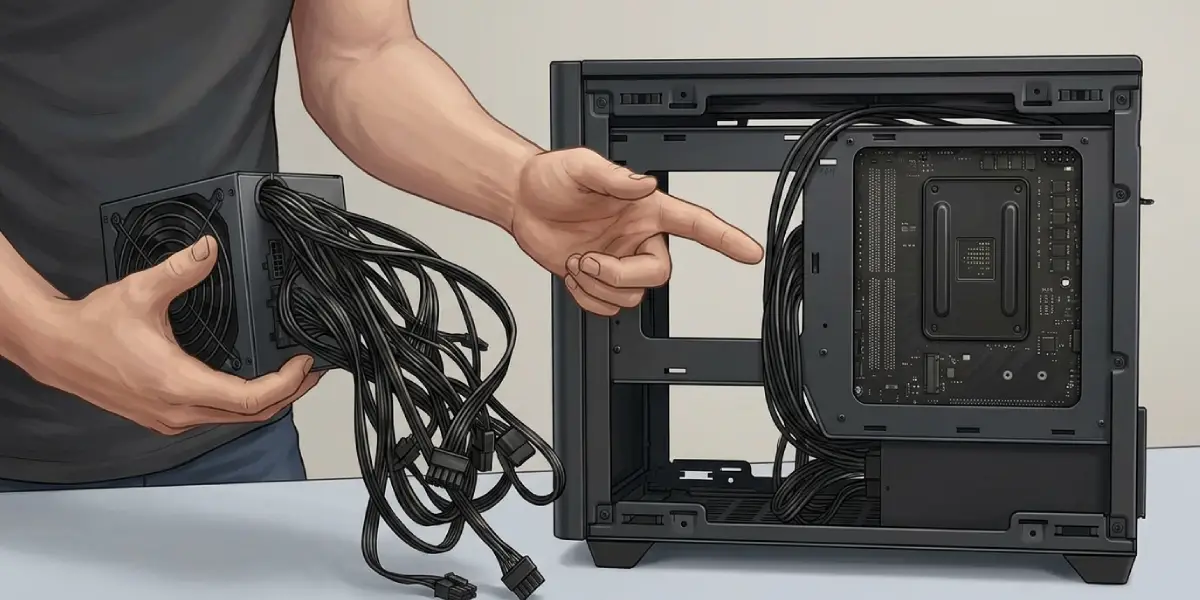
Tip: A semi-modular unit is often the sweet spot. The cables that are always needed stay attached, and the optional ones come off for a clean look.
Before You Connect or Swap Modular Cables
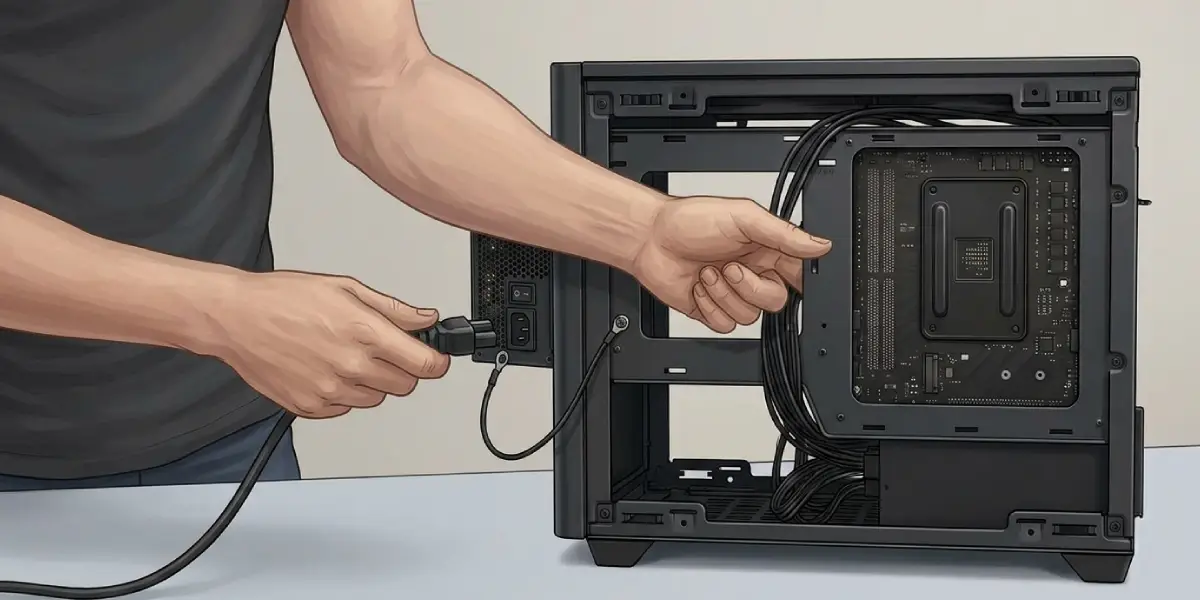
Switch the PSU off at its rocker switch and unplug it from the wall before connecting or disconnecting any cable. Touch bare metal on the case to discharge static before handling parts. Never open the PSU casing itself, since its internal capacitors can hold a dangerous charge even when unplugged. If a cable does not fit smoothly, stop and recheck the labels rather than forcing it, and let a professional handle the issue if the problem is not clear.
Common Problems and Fixes
- PC will not power on after a cable change: reseat every connector at both ends, and make sure the CPU power cable and the 24-pin cable are fully clicked in. Check that the PSU rocker switch is on.
- A modular cable is missing or lost: contact the PSU manufacturer or reseller for the correct replacement for that exact model. Do not borrow a cable from another PSU, even if the plug looks identical.
- Cables do not reach the component: reroute through a different cutout in the case, or check whether the manufacturer sells a longer cable made for that specific PSU.
- CPU and graphics cables look alike on the PSU side: follow the printed labels on the PSU sockets and match them to the cable labels. Plugging a cable into the wrong socket can damage parts.
- Cable clutter blocks airflow on a non-modular unit: bundle the spare cables with reusable ties and stow them in the drive bays or behind the motherboard tray, away from fans.
- Random shutdowns or restarts: a loose connector is a common cause. Reseat every power cable at both the PSU and the component ends before suspecting the PSU itself.
Frequently Asked Questions
What is the difference between a modular and non-modular PSU?
A non-modular PSU has all cables permanently attached, while a modular PSU lets cables be plugged in and removed individually. The power output and efficiency depend on the unit’s rating, not on whether the cables detach.
Is a modular PSU better than non-modular?
A modular PSU is better for cable management and small builds, but it is not automatically better in quality or performance. A well-made non-modular unit can outperform a poorly made modular one.
What is a semi-modular PSU?
A semi-modular PSU has the essential cables, usually the 24-pin motherboard cable and main CPU cable, permanently attached, and the rest are detachable. It offers a balance between price and tidiness.
Does a modular PSU improve airflow or cooling?
Indirectly, yes. Fewer cables inside the case means less obstruction of the airflow path, which can help in cramped cases. The PSU itself does not run cooler just because it is modular.
Does a modular PSU have better efficiency?
No. Efficiency is determined by the design and the 80 PLUS certification level, not by whether the cables detach.
Can modular cables be used with a different PSU?
No. The pin layout on the PSU side is not standardized across brands or even across some series from one brand. Using the wrong cable can damage components, so only use cables made for that exact PSU model.
Is a modular PSU worth it for a budget build?
It depends on the price gap and the case. If the extra cost is small, the cleaner build is worth it. If the gap is large, a reputable non-modular unit is a sound choice that saves money for other parts.
Are modular PSUs less reliable because of the extra connectors?
Not in normal use. Quality modular connectors are designed for this purpose, and issues usually come from loose or partly seated plugs rather than from the design itself. Keeping connectors fully seated avoids most problems.
What should be done if a modular PSU cable goes missing?
Contact the PSU manufacturer or the seller for the correct replacement cable for that exact model. Never substitute a cable from another PSU, even if the connector looks the same.
