
Finding the best free antivirus tools for Windows does not have to mean choosing between weak protection and a nagging upsell screen. Several free options now offer real-time scanning, ransomware protection, and low system impact without a subscription attached. This guide breaks down the strongest picks and how to get the most out of whichever one gets installed.
Key Takeaways
- Microsoft Defender Antivirus is already built into Windows 10 and 11, and it covers most everyday users without any extra install.
- Avast Free Antivirus and AVG AntiVirus Free share the same detection engine and both add useful extras like a Wi-Fi inspector.
- Bitdefender Antivirus Free Edition runs quietly in the background with very little user interaction required.
- Avira Free Security bundles antivirus with a lightweight VPN and system cleanup tools.
- Running two full antivirus programs at once causes conflicts, so only one real-time scanner should stay active.
Top Free Antivirus Picks for Windows
Microsoft Defender Antivirus
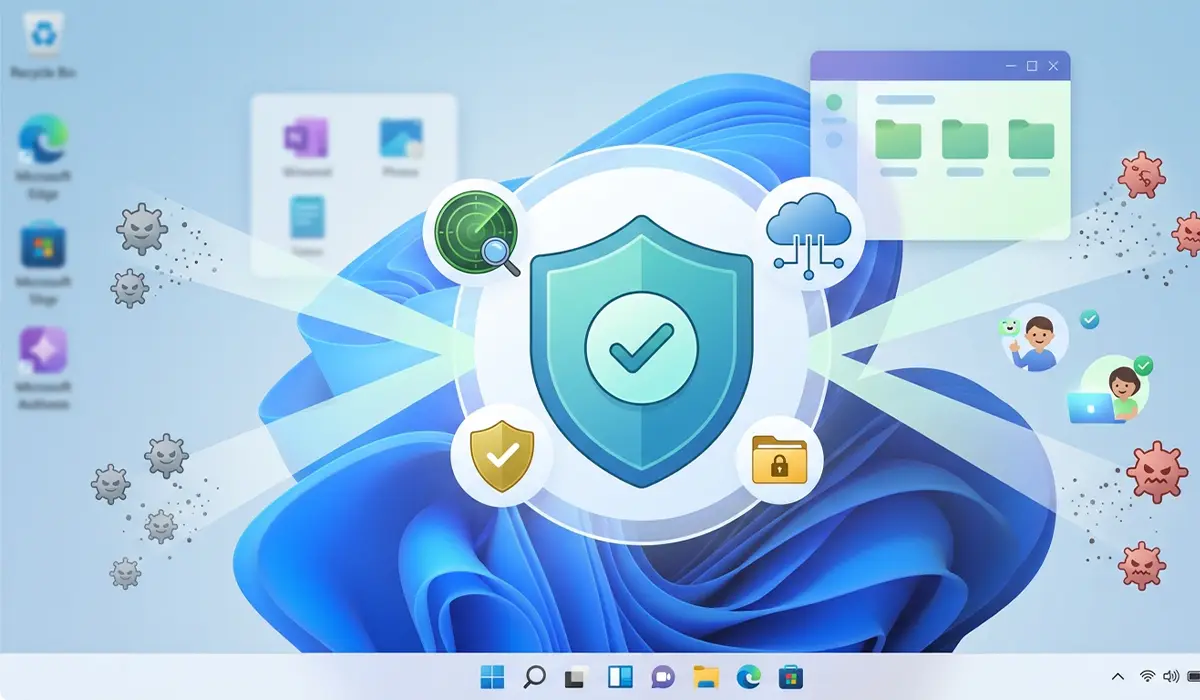
Microsoft Defender comes preinstalled and pre-activated on Windows 10 and 11, so there is nothing to download or configure to get baseline protection. It handles real-time scanning, cloud-based threat detection, and ransomware protection through Controlled Folder Access. Most home users who practice safe browsing habits find that Defender alone covers their needs.
Avast Free Antivirus
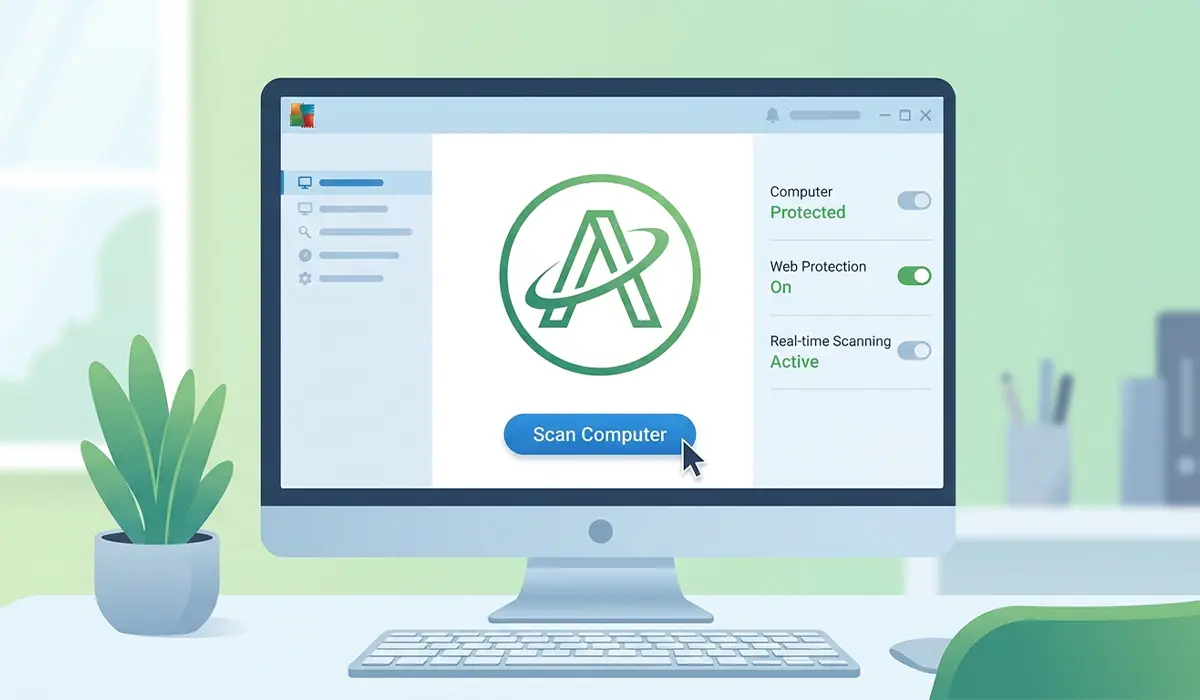
Avast has long been one of the most recognizable names in free security software. Its free tier includes real-time protection, a Wi-Fi network scanner, and a password checker that flags weak or reused logins. The interface is a bit more feature-heavy than Defender, which suits users who like visible controls over the scanning process.
AVG AntiVirus Free
AVG is owned by the same company as Avast and shares its detection engine, so protection quality is comparable between the two. AVG leans toward a simpler interface, which works well for users who want solid protection without digging through settings menus.
Bitdefender Antivirus Free Edition
Bitdefender’s free edition is built around a set-and-forget philosophy. It runs automatic scans and updates in the background with almost no pop-ups or prompts. This makes it a strong pick for anyone who wants protection without managing a dashboard.
Avira Free Security
Avira’s free plan pairs antivirus scanning with a basic VPN, a software updater, and junk file cleanup. The bundled extras add value for users who like an all-in-one utility, though the VPN component typically has a data cap on the free tier.

Tip: Independent testing labs such as AV-Test and AV-Comparatives publish regular results on detection rates and system performance. Checking a lab’s most recent report before installing gives a more current picture than relying on older reviews.
How to Switch Your Free Antivirus Safely
Installing a second antivirus program on top of an existing one is one of the most common mistakes users make, and it usually causes both programs to slow the system down or block each other’s scans. The steps below keep the transition clean.
- Step 1: Open Windows Settings, go to Apps, and uninstall the current third-party antivirus completely before installing a new one.
- Step 2: Restart the computer so any leftover background services from the old program fully close.
- Step 3: Check Windows Security to confirm whether Microsoft Defender has automatically re-enabled itself, since Windows turns Defender back on when no other antivirus is active.
- Step 4: Download the new antivirus tool directly from its official website rather than a third-party download site.
- Step 5: Run the installer, then let the new program disable Defender’s real-time protection automatically during setup.
- Step 6: Run a full system scan with the new antivirus once installation finishes, just to confirm nothing was missed during the switch.
Common Problems and Fixes
Two antivirus programs are both trying to run at once
This usually happens when a new antivirus is installed without fully removing the old one. The fix is to uninstall every extra security program down to one, then restart the computer before reinstalling anything.
Windows Security shows a warning even with an antivirus installed
Sometimes Windows Security does not detect a third-party antivirus properly, especially right after an update. Opening the third-party app directly and checking that real-time protection is toggled on usually resolves the mismatch, and a restart clears up most detection glitches.
Free antivirus is flagging a safe file as a threat
False positives happen occasionally, especially with newer or less common software. Most free antivirus tools include an option to restore a file from quarantine and add it to an exclusion list, which stops future scans from flagging that specific file again.
Scans are running slower than expected
A full system scan naturally takes longer on drives with a large number of files, especially traditional hard drives rather than SSDs. Scheduling scans for overnight hours or during idle time avoids interrupting regular use.
Frequently Asked Questions
Is Microsoft Defender good enough on its own?
For most everyday users who avoid suspicious downloads and phishing links, Microsoft Defender provides solid baseline protection without needing a third-party install.
Do free antivirus programs slow down a computer?
Modern free antivirus tools are generally lightweight, though background scans can cause temporary slowdowns on older hardware. Scheduling scans for idle periods reduces this impact.
Can two free antivirus programs run at the same time?
Running two full antivirus programs simultaneously is not recommended, since they can conflict over file access and cause false alarms or performance issues. Only one real-time scanner should stay active at a time.
Is it safe to rely only on free antivirus software?
Free antivirus tools from established developers offer real protection against common malware, though paid tiers often add extras like advanced firewall controls or dedicated ransomware rollback features.
Why does Windows Security turn Defender back on after uninstalling another antivirus?
Windows automatically re-enables Defender whenever no other antivirus is detected, since the operating system always keeps some form of real-time protection active.
Do free antivirus tools include a firewall?
Most rely on the built-in Windows Firewall rather than including their own, since Windows already manages network-level protection effectively.
How often should a full system scan be run?
A weekly full scan is a reasonable baseline for most users, alongside the real-time protection that runs continuously in the background.
Are free antivirus programs safe to download?
Downloading directly from the official developer website is the safest approach, since third-party download sites sometimes bundle extra unwanted software with the installer.
What is the difference between free and paid antivirus tiers?
Paid tiers typically add features like a full VPN without data limits, identity theft monitoring, or dedicated customer support, while the free tiers focus on core malware detection and removal.
