
Outlook error code 3253 on Mac blocks outgoing mail with the message that the connection to the server failed or was dropped. Messages pile up in the Outbox while incoming mail usually keeps arriving. The fix is typically quick once the right setting or file is identified, and the steps below follow the order that resolves it for most people.
Key Takeaways
- Error 3253 means the connection to the email server failed or was dropped while sending.
- Updating Outlook through Help > Check For Updates is the first fix Microsoft recommends.
- Incorrect outgoing server or port settings are a common trigger and take a minute to check.
- Resetting Outlook preferences or re-adding the account clears most stubborn cases.
How to Fix Outlook Error Code 3253 on Mac Step by Step
Work through these steps in order and send a short test email after each one. Most people find that the error disappears within the first three.
Check the Basics and Update Outlook
- Step 1: Confirm the Mac is online. Open a website in Safari. If pages load slowly or not at all, restart the router or switch networks before touching any Outlook setting, because error 3253 is a connection failure at heart.
- Step 2: In Outlook, click Help > Check For Updates. If an update is found, download and install it, then restart Outlook. This is the step Microsoft lists first for this error, and an outdated build is an easy thing to miss.
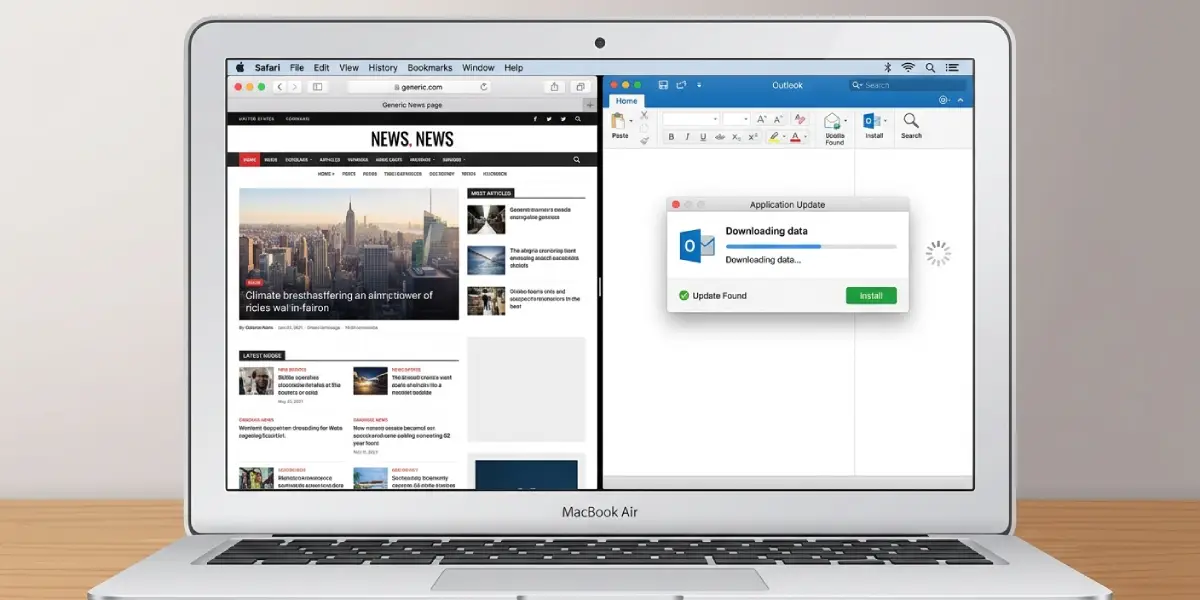 Tip: Quit Outlook fully with Command + Q after updating. Closing the window alone leaves the app running in the background and can keep the old connection alive.
Verify the Outgoing Server Settings
- Step 3: Click Outlook > Settings > Accounts, select the affected account, and open its server details (the Advanced option on the legacy app). Compare the outgoing server name, port, and SSL setting with the values published by the email provider. Many providers use port 587 for outgoing mail, while some use 465, so the provider’s own settings page is the source of truth. A single wrong digit in the port is enough to cause error 3253.
- Step 4: Clear any stuck message. Open the Outbox, delete or move the message that shows a pending status, then compose a new test email and send it. A message left over from the failed attempt can keep triggering the same error.
Reset Preferences and Rebuild the Account
- Step 5: Quit Outlook completely. Open Terminal from Applications > Utilities, type defaults delete com.microsoft.Outlook and press Return. This resets Outlook preferences to their defaults. Terminal shows no confirmation message, which is normal. Reopen Outlook and send a test email.
- Step 6: If the error returns, remove the account in Outlook > Settings > Accounts and add it again with the correct incoming and outgoing server details. Before removing it, export anything stored only on the Mac using File > Export, since local-only mail can be lost when an account is deleted.
- Step 7: Send a test email to another address and confirm it leaves the Outbox. If it does, the fix worked.
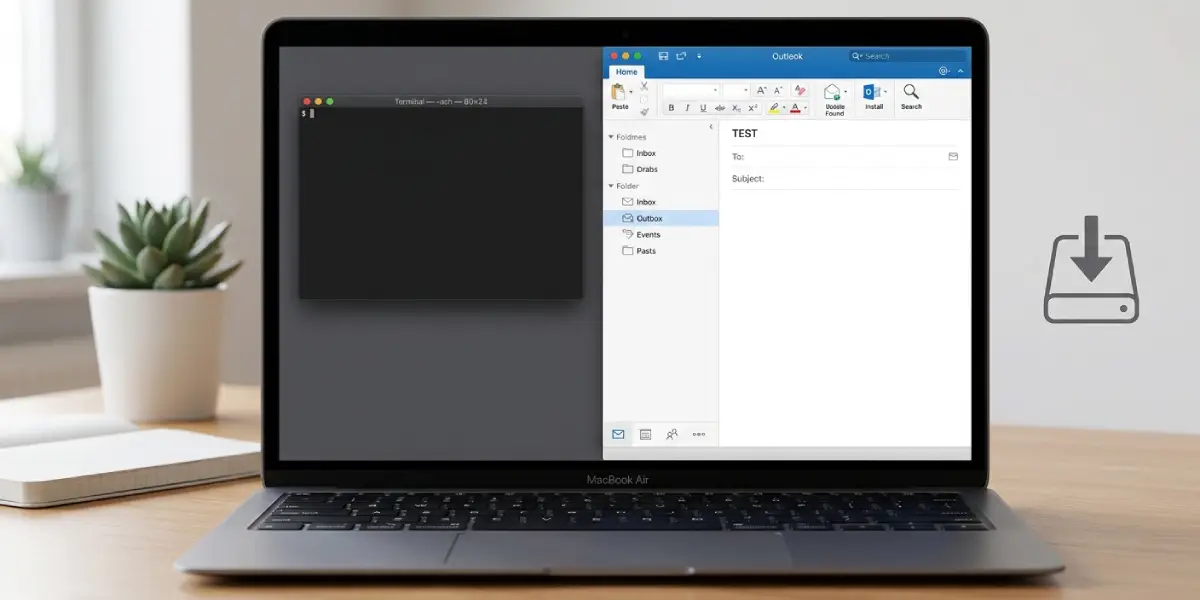
Tip: Think of the reset in Step 5 like clearing a jammed print queue. It removes a corrupted setting without touching the mail itself, which makes it a safe move before rebuilding the whole account.
Common Problems and Fixes
Check For Updates Finds Nothing, but the Error Continues
An up-to-date app rules out the version as the cause. Move on to the outgoing server settings in Step 3, since the mismatch is likely in the account rather than the software.
Only One Account Shows the Error
This points to that account’s server or port values rather than Outlook itself. Compare each field with the provider’s published settings and correct any difference, or re-add the account as in Step 6.
Messages Stay in the Outbox After Every Fix
Delete the pending messages, restart Outlook, and write a fresh email instead of resending the old one. Messages that failed several times can remain stuck even after the connection is repaired.
The Error Returns After the Preferences Reset
Preferences are probably not the cause. Rebuild the account in Step 6, and if the error still appears, click Help > Contact Support, which is the route Microsoft recommends when the problem continues.
Frequently Asked Questions
What does Outlook error code 3253 mean on Mac?
Error code 3253 means the connection between Outlook and the email server failed or was dropped. It most often appears while sending a message.
Why does error 3253 affect sending but not receiving?
The error appears during sending, which points to the outgoing server connection. Receiving uses a separate incoming server connection, so it can keep working while sending fails.
Does updating Outlook fix error 3253?
It can. Microsoft recommends checking for updates first by clicking Help > Check For Updates, installing any update found, and restarting Outlook.
Which port should be used for outgoing mail?
The correct port depends on the email provider. Port 587 is widely used for outgoing mail, and some providers use 465. Always match the value on the provider’s official settings page.
Will resetting Outlook preferences delete emails?
The Terminal command resets Outlook preference settings, not the messages themselves. Mail stored on the server remains there, and the app simply returns to its default preferences.
Why are messages stuck in the Outbox with a pending status?
The send attempt failed because the connection to the server dropped, so Outlook keeps the message waiting. Deleting the stuck message and sending a new one after fixing the connection usually clears it.
Is it safe to remove and re-add the email account?
Yes, as long as anything stored only on the Mac is exported first with File > Export. Mail kept on the server returns once the account is added again.
Which versions of Outlook for Mac can show error 3253?
Microsoft lists the error for Outlook for Microsoft 365 for Mac, Outlook 2024 for Mac, and Outlook 2021 for Mac.
What if error 3253 still appears after every step?
Click Help > Contact Support in Outlook. Microsoft directs users to support when the connection problem continues after updating.
