
Knowing how to fix VRAM usage that’s too high can save a game or editing session from stutter, blurry textures, and sudden frame drops. Video memory fills up fast, but a few quick changes in Windows and in-game settings usually bring it back under control.
Key Takeaways
- Task Manager shows exactly which apps are using dedicated GPU memory.
- Browsers, chat apps, and overlays quietly hold on to VRAM in the background.
- Texture quality is the biggest VRAM setting in most games.
- Lower resolution or upscaling reduces the load on video memory.
- An updated graphics driver and a clean restart finish the job.
Step-by-Step Guide to Fix VRAM Usage That’s Too High
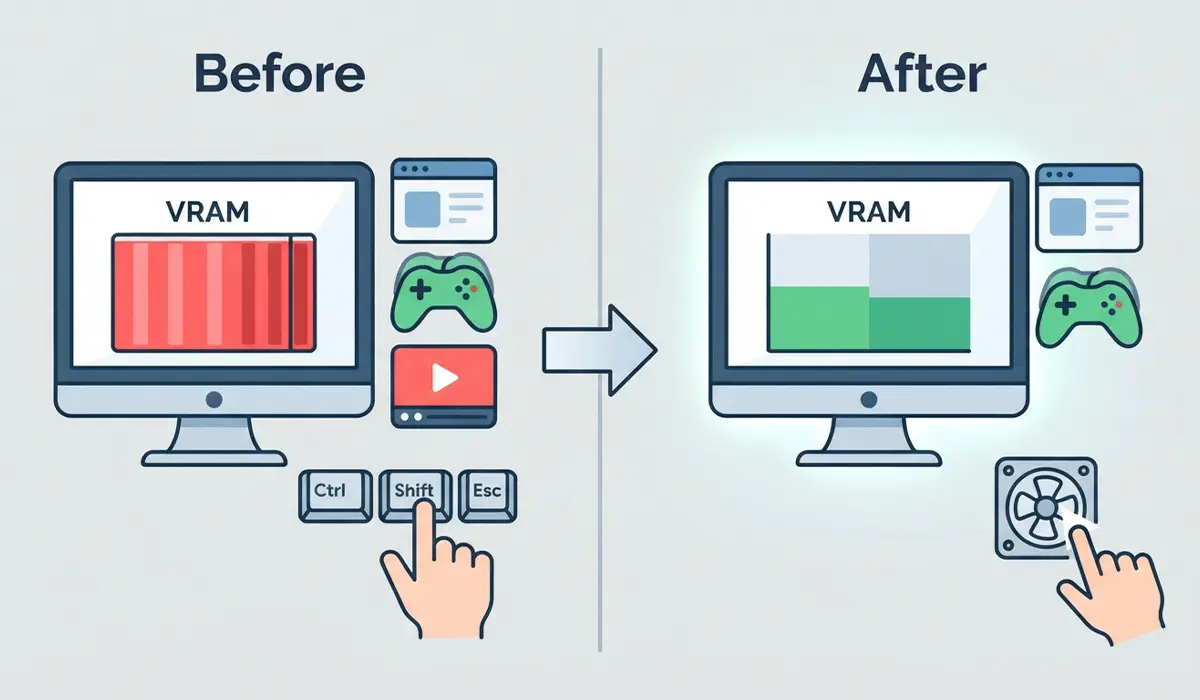
- Step 1: Press Ctrl + Shift + Esc to open Task Manager. Click the Performance tab, select GPU, and look at the Dedicated GPU memory value. This is the baseline to compare against after each change.
- Step 2: Open the Details tab in Task Manager, right-click any column header, and choose Select columns. Tick Dedicated GPU memory and click OK. Click that column to sort from highest to lowest, then select any app that does not need to be open and click End task.
Pro-Tip: Never end system processes like dwm.exe or csrss.exe. Stick to apps that are obvious, such as extra browser windows, video players, and launchers.
- Step 3: Turn off hardware acceleration in apps that stay open all day. In Chrome or Edge, go to Settings > System and switch off Use graphics acceleration when available, then relaunch the browser. In Discord, go to User Settings > Advanced and switch off Hardware Acceleration.
- Step 4: Disable overlays that draw on top of games. In Steam, go to Settings > In-Game and untick Enable the Steam Overlay while in-game. In Discord, open User Settings > Game Overlay and turn it off. On Windows, go to Settings > Gaming > Xbox Game Bar and switch it off.
- Step 5: Open the game’s graphics settings and lower Texture Quality one level at a time. Textures are stored directly in VRAM, so this setting frees the most memory for the least visible loss. If VRAM is still high, lower Shadow Quality, turn off Ray Tracing, and reduce Anti-Aliasing. Restart the game afterward, since many games only apply texture changes after a relaunch.
- Step 6: Lower the in-game resolution, or switch on an upscaler such as DLSS, FSR, or XeSS if the game offers one. Upscalers render the game at a lower internal resolution, which trims the memory needed for each frame.
Pro-Tip: Change one setting at a time and check Task Manager after each change. That shows which setting actually made a difference, so image quality is not sacrificed for nothing.
- Step 7: Update the graphics driver. Right-click the Start button, open Device Manager, expand Display adapters, right-click the graphics card, and choose Update driver. The process is the same one used to update printer drivers, just with the display adapter selected. Downloading the latest driver directly from NVIDIA, AMD, or Intel works too.
- Step 8: Press Win + Ctrl + Shift + B to reset the graphics driver, then restart the PC. Restarting clears any video memory that apps were still holding onto. Reopen the game and check Task Manager again to confirm the Dedicated GPU memory number has dropped.
Tips to Keep VRAM Usage Low
- Close the browser and any video players before launching a game.
- Keep a second monitor for light content only. Video playing on another screen still uses GPU memory.
- Restart a game between long sessions to clear memory it has built up.
- Check the current print jobs in the queue and let them finish before a heavy gaming or editing session, so fewer apps stay open in the background.
- Check for graphics driver updates every month or two.
Frequently Asked Questions
What is VRAM?
VRAM is the memory built into a graphics card. It stores textures, frame data, and other visual assets so the GPU can reach them quickly.
How do I check VRAM usage on Windows?
Open Task Manager with Ctrl + Shift + Esc, go to the Performance tab, and select GPU. The Dedicated GPU memory line shows how much VRAM is in use right now.
Is high VRAM usage always a problem?
No. Some games reserve extra VRAM even when they do not need it. It becomes a problem when the game stutters, textures load late, or the memory sits at its maximum.
Does closing Chrome free up VRAM?
Yes. Browsers use the GPU to draw pages and play video, so closing tabs or the whole browser releases the video memory they were using.
Does lowering the resolution reduce VRAM usage?
Yes. A lower resolution means smaller frames to store, which lowers the memory needed. The drop is usually smaller than the drop from reducing texture quality.
Which game setting uses the most VRAM?
Texture quality is the biggest one in most games. Ray tracing, shadow quality, and high resolutions add to the load as well.
Does adding more system RAM lower VRAM usage?
No. System RAM and VRAM are separate. More system RAM can help when VRAM runs out, since extra data spills over, but it will not reduce the VRAM being used.
Can VRAM be increased on a dedicated graphics card?
No. The memory is physically built into the card, so the amount cannot be changed with software. The only way to get more is to switch to a card with more VRAM.
Does DLSS or FSR reduce VRAM usage?
They can. Both render the game at a lower internal resolution before scaling it up, which reduces the memory needed for each frame.
