
Knowing how to maximize laptop battery lifespan can add years of usable capacity to a machine that would otherwise need a replacement battery far sooner than expected. Modern lithium-ion batteries degrade through chemistry, not bad luck, which means the habits formed on day one matter just as much as anything done later. A few small adjustments to charging routines and daily use can slow that degradation dramatically.
Key Takeaways
- Keeping the battery between roughly 20 percent and 80 percent charge most of the time reduces long-term wear far more than letting it hit 0 percent or 100 percent constantly.
- Heat is the fastest way to age a battery, so airflow and charging conditions matter as much as the charge level itself.
- Built-in battery health tools (like optimized charging or charge limiters) offer an easy, low-effort way to extend lifespan without changing daily habits much.
- Long-term storage requires a very different approach than daily use, especially for laptops that sit unused for weeks or months.
- A battery replacement eventually becomes the right call, and knowing when to stop chasing tweaks saves time and frustration.
The Best Way to Maximize Laptop Battery Lifespan
The single most effective habit is avoiding the extremes of the charge cycle. Lithium-ion cells experience the most chemical stress when they sit fully charged or nearly empty for extended periods. Most people find that treating 100 percent and 0 percent as boundaries to avoid, rather than daily targets, is the biggest shift that actually moves the needle.
Charge in the Middle Range, Not Edge to Edge
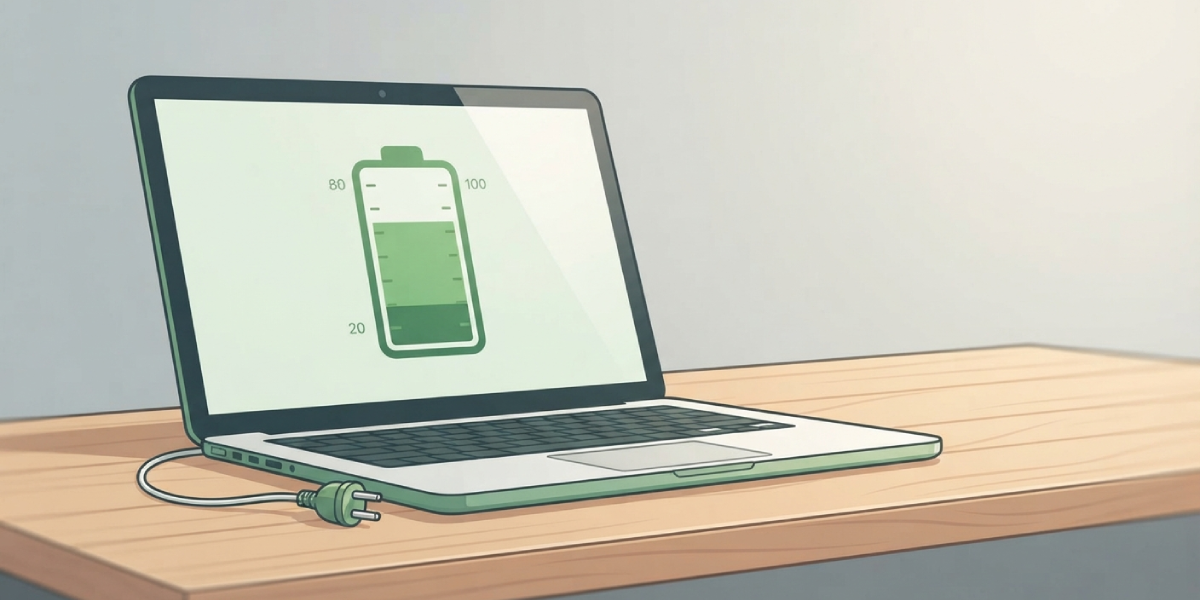
This works best when the laptop stays roughly between 20 percent and 80 percent charge during normal use. That range keeps the internal voltage of the cells in a zone that produces far less stress on the electrode materials. A laptop plugged in overnight every single night, sitting at 100 percent for eight hours straight, ages noticeably faster over a year or two than one that gets unplugged once it hits the high 80s.
Tip: Many laptop manufacturers, including Dell, Lenovo, HP, and Apple, include a battery health or charge threshold feature in their system settings or dedicated utility software. Turning this on lets the laptop stop charging around 80 percent automatically, which removes the need to manually watch the percentage.
Avoid Letting the Battery Drain to Empty
Running a laptop all the way down to 0 percent regularly forces the cells through a deeper discharge cycle than they need, and doing this repeatedly shortens overall cycle life. An occasional full discharge does not cause meaningful harm, but making it a habit adds up over hundreds of charge cycles.
Keep the Laptop Cool During Charging and Heavy Use
Heat accelerates the chemical breakdown inside a lithium-ion cell faster than almost any other factor. A laptop charging on a soft surface like a bed or couch cushion traps heat underneath, and that heat reaches the battery just as easily as it reaches the processor. Using the laptop on a hard, flat surface, keeping vents clear of dust, and avoiding gaming or rendering work while the machine is plugged in and already warm all help keep battery temperature down.
Tip: Unplugging the laptop during demanding tasks, when practical, and running on battery power instead keeps internal temperatures lower than charging and stressing the CPU at the same time.
Store the Laptop Correctly When Not in Use
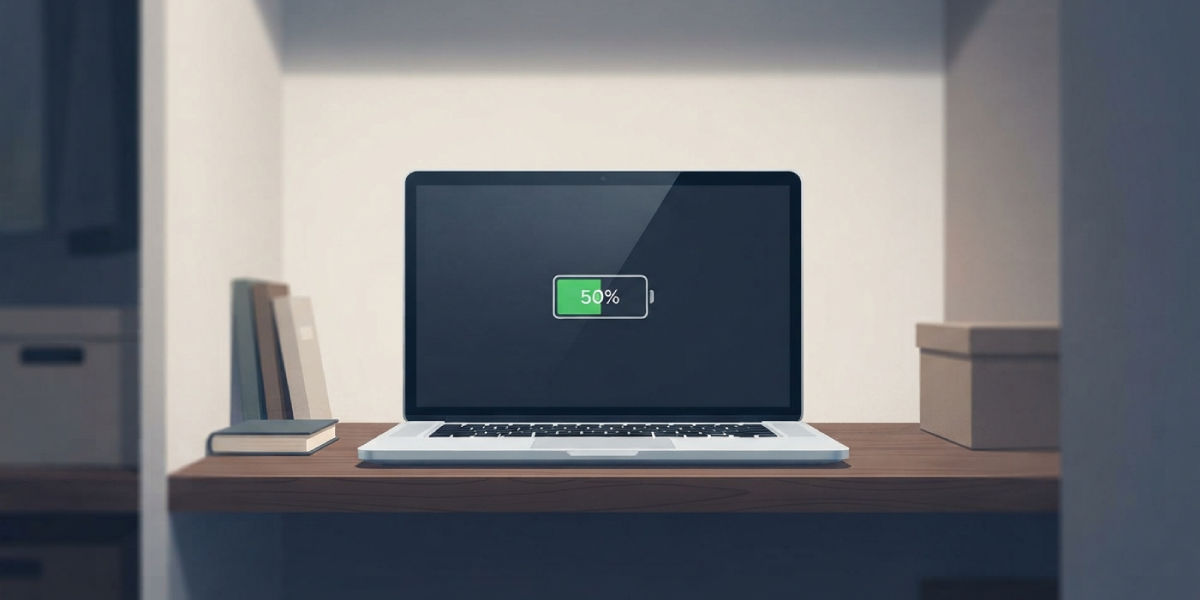
A laptop set aside for weeks or months, such as a backup machine or a seasonal device, needs a different approach than one used daily. Storing it at a partial charge, generally in the 40 to 60 percent range, and in a cool, dry location keeps the cells stable while sitting idle. A battery stored at 100 percent for months loses capacity noticeably faster than one stored partially charged, and a battery stored at 0 percent risks dropping into a deep discharge state that can damage the cell entirely.
- Step 1: Charge or discharge the laptop to roughly 50 percent before storing it.
- Step 2: Power the laptop off completely rather than leaving it in sleep mode.
- Step 3: Store it in a cool, dry place away from direct sunlight or heat sources.
- Step 4: Check the charge level every couple of months during long-term storage and top it back up toward 50 percent if it has dropped significantly.
Watch Background Power Drain and Settings
Battery lifespan is not only about charge habits. Excess heat and unnecessary charge cycles often come from software running in the background, high screen brightness, or performance settings set higher than needed. Lowering screen brightness, closing unused browser tabs, and choosing a balanced or power-saving performance mode when unplugged all reduce how hard the battery works, which indirectly reduces heat and wear over time.
Common Problems and Fixes
Battery percentage drops unusually fast after months of use. This is often a sign of normal capacity loss combined with background apps or browser tabs drawing more power than expected. Checking battery usage by app in the system settings usually identifies the culprit, and closing or updating that app often resolves it.
Laptop feels hot even when charging is limited to 80 percent. A charge limiter helps with battery chemistry, but it does not fix airflow problems. Dust buildup in the vents or fans is a common cause, and a can of compressed air aimed at the exhaust vents while the laptop is off usually brings temperatures back down.
Battery health percentage keeps declining despite following good charging habits. Some capacity loss is unavoidable over time, since every lithium-ion battery has a finite number of usable charge cycles. If health drops well below 80 percent within the first year or two of normal use, this points to a manufacturing issue or a defective cell rather than a habit problem, and it is worth contacting the manufacturer about a warranty replacement.
Laptop shuts down unexpectedly at 20 to 30 percent charge. This usually indicates the battery can no longer sustain a steady voltage under load as it ages, even though the reported percentage still shows charge remaining. At this point, a professional battery replacement is generally the most reliable fix.
Frequently Asked Questions
Is it bad to keep a laptop plugged in all the time?
Keeping a laptop plugged in constantly is not inherently damaging if it includes a charge limiting feature that stops charging around 80 percent. Without that feature, staying at 100 percent for extended periods does accelerate battery wear.
How many charge cycles does a laptop battery typically last?
Most modern laptop batteries are rated for several hundred full charge cycles, commonly in the range of 300 to 1,000 depending on the battery chemistry and manufacturer, before capacity drops to around 80 percent of original.
Does using a laptop while it charges damage the battery?
Light use while charging causes minimal extra wear, but demanding tasks like gaming or video rendering generate additional heat, and that heat is the real factor that stresses the battery faster.
Should a new laptop battery be fully charged and drained before first use?
This was necessary advice for older nickel-based batteries, but modern lithium-ion batteries do not require a full charge or discharge cycle before first use. Normal charging from the first day works fine.
What is the ideal charge percentage to leave a laptop at overnight?
A range between 20 and 80 percent is ideal for daily use. If a charge limiter is available, setting it to stop around 80 percent removes the guesswork.
Does cold weather affect laptop battery lifespan?
Extreme cold can temporarily reduce battery performance and displayed capacity, but it is far less damaging long-term than heat. Extreme heat causes permanent chemical degradation, while cold effects are usually temporary.
How long can a laptop sit unused before the battery is damaged?
A laptop stored at a partial charge in a cool location can typically sit for several months without significant harm, as long as the charge level is checked periodically and topped up if it drops too low.
Does calibrating the battery help extend its lifespan?
Calibration, which involves a full charge and full discharge cycle, helps the system report an accurate percentage but does not extend the physical lifespan of the battery. It is a diagnostic step, not a maintenance one.
When should a laptop battery be replaced instead of maintained?
Once battery health drops significantly, runtime becomes noticeably short, or the laptop shuts down unexpectedly well above 0 percent, replacement is usually more practical than continuing to adjust charging habits.
