
A ‘limited connectivity’ or ‘no internet, secured’ message means the Wi-Fi adapter has connected to the router but cannot reach the internet properly. Learning how to fix limited connectivity on Wi-Fi usually comes down to isolating whether the problem sits with the router, the internet service, or the device itself. This guide walks through the most reliable fixes in the order most technicians would try them.
Key Takeaways
- Limited connectivity almost always points to a problem between the router and the modem, or between the device and the router – not a fully dead connection.
- Restarting the modem and router in the correct order resolves the issue more often than any other single fix.
- Outdated or corrupted network adapter drivers are one of the most common device-side causes.
- IP address conflicts and incorrect DNS settings can trigger limited connectivity even when the signal strength looks fine.
- If the fix does not hold after a reboot, the router firmware or the ISP connection itself is worth checking next.
Common Causes of Limited Connectivity on Wi-Fi
Before jumping into fixes, it helps to understand what typically triggers this error. Most cases trace back to one of the following.
Router or Modem Issues
A router that has been running for weeks without a restart can develop memory leaks or lose its DHCP lease table, which causes it to stop handing out valid IP addresses correctly.
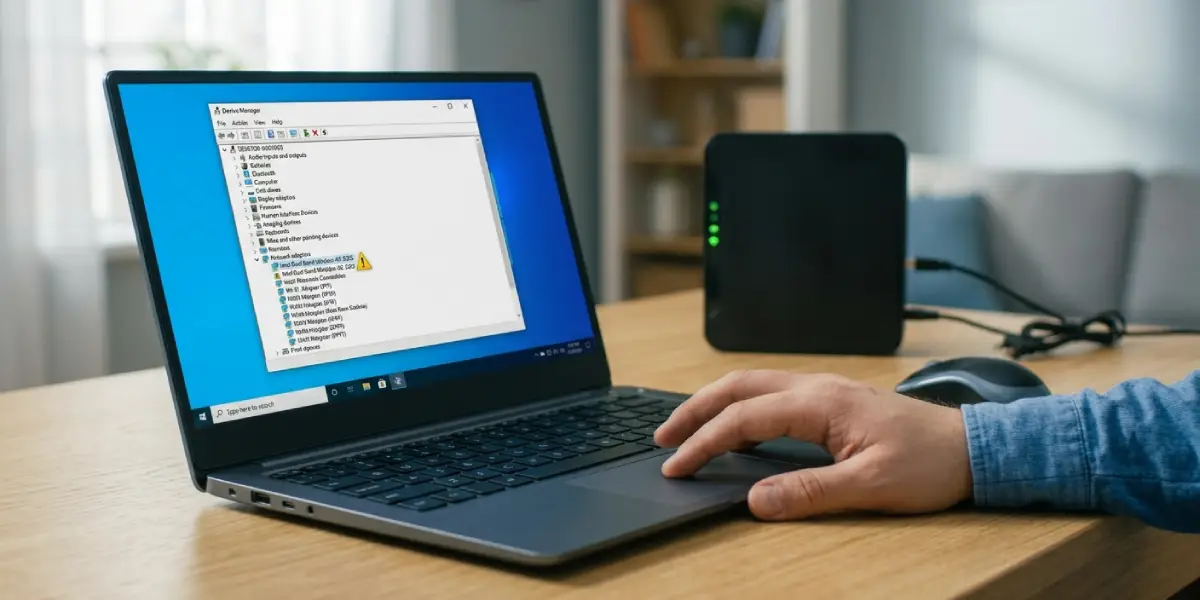
Outdated or Corrupted Network Drivers
Windows and laptop manufacturers occasionally push driver updates that conflict with existing adapter settings, and a driver that has not been updated in a long time can also lose compatibility with newer router firmware.
IP Address Conflicts
When two devices on the same network are assigned the same IP address, or when a device holds onto a stale IP lease from a previous network, limited connectivity is a frequent symptom.
Incorrect DNS Configuration
A misconfigured or unreachable DNS server can make a connection appear active while websites still fail to load.
Power Management Settings
Laptops are often set to power down the Wi-Fi adapter to save battery, and an overly aggressive power plan can interrupt the connection just enough to trigger the limited connectivity flag.
How to Fix Limited Connectivity on Wi-Fi
Work through these steps in order. Most people find that the problem clears up within the first two or three steps, so there is rarely a need to go further.
Step-by-Step Fix
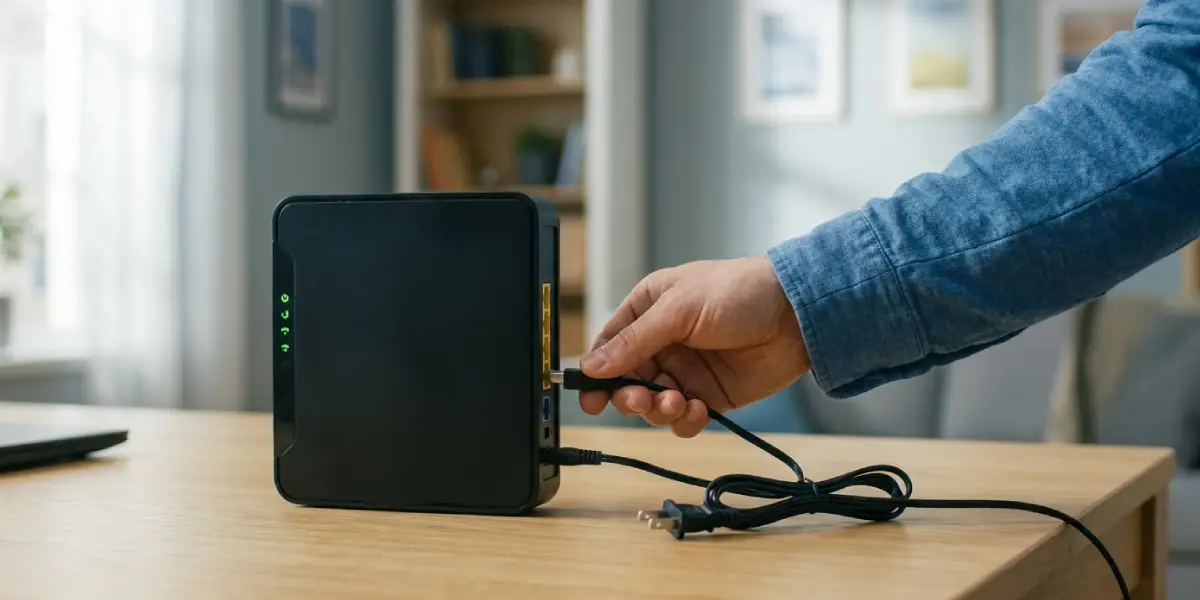
- Step 1: Restart the modem and router. Unplug both, wait about 30 seconds, plug the modem back in first, wait for it to fully reconnect, then plug in the router. This resets the DHCP lease table and clears most temporary glitches.
- Step 2: Restart the device experiencing the issue. A full shutdown and power-on clears cached network states that a simple sleep cycle often leaves behind.
- Step 3: Forget the Wi-Fi network and reconnect. On Windows, go to Settings, then Network and Internet, then Wi-Fi, select the network, and choose ‘Forget.’ Reconnect using the password and let the device request a fresh IP address.
- Step 4: Release and renew the IP address. Open Command Prompt as an administrator and run ‘ipconfig /release’ followed by ‘ipconfig /renew.’ This forces the device to request a new, non-conflicting IP address from the router.
- Step 5: Flush the DNS cache. In the same Command Prompt window, run ‘ipconfig /flushdns.’ This clears out any corrupted DNS records that may be blocking proper website resolution.
- Step 6: Update the network adapter driver. Open Device Manager, expand ‘Network adapters,’ right-click the Wi-Fi adapter, and select ‘Update driver.’ Choosing ‘Search automatically for drivers’ checks for a current version, though downloading the latest driver directly from the laptop or adapter manufacturer’s website usually gives more reliable results.
- Step 7: Run the built-in network troubleshooter. Go to Settings, then Network and Internet, then Status, and select ‘Network troubleshooter.’ It often identifies and repairs adapter or configuration issues automatically.
- Step 8: Reset the network adapter settings entirely. In Command Prompt, run ‘netsh winsock reset’ followed by ‘netsh int ip reset,’ then restart the device. This rebuilds the TCP/IP stack from scratch, which clears out deeper configuration corruption that simpler fixes miss.
- Step 9: Check router firmware and DNS settings. Log into the router’s admin panel and confirm the firmware is current, then verify the DNS server settings are set to automatic or to a known reliable provider rather than a leftover manual entry.
Tip: If only one device on the network shows limited connectivity while others connect normally, the issue is almost certainly on that device rather than the router, which saves time by narrowing where to look first.
Common Problems and Fixes
Limited Connectivity Returns After a Few Minutes
This usually points to an unstable driver or a power-saving setting cutting the adapter’s connection. Open Device Manager, right-click the Wi-Fi adapter, go to Properties, then Power Management, and uncheck ‘Allow the computer to turn off this device to save power.’
Only the Laptop Shows Limited Connectivity, Not Other Devices
This points to a device-side issue rather than the router. Focus on driver updates, the IP release and renew steps, and the Winsock reset rather than restarting the router again.
Limited Connectivity After a Windows Update
Updates sometimes install a generic driver that overwrites a manufacturer-specific one. Rolling back the driver in Device Manager, or manually reinstalling the correct driver from the manufacturer’s site, typically resolves this.
Wired Connection Works but Wi-Fi Still Shows Limited Connectivity
This narrows the problem specifically to the wireless adapter or its driver, since the router and internet service are clearly functioning. A driver reinstall or the network reset in Step 8 is the most effective next move.
Fix Works Temporarily but the Router Needs Frequent Restarts
A router that requires regular restarts to stay stable may be running outdated firmware or nearing the end of its usable life. Checking for a firmware update is worth trying before considering a router replacement.
Frequently Asked Questions
What does limited connectivity on Wi-Fi actually mean?
It means the device has connected to the wireless network itself but cannot properly communicate with the internet, usually due to an IP address, DNS, or driver issue rather than a weak signal.
Is limited connectivity the same as no internet access?
Not exactly. Limited connectivity means the local network connection exists but internet traffic is not passing through correctly, while ‘no internet access’ can also appear when the connection is fully down.
Can a weak Wi-Fi signal cause limited connectivity?
A weak signal can contribute to dropped packets that trigger the error, but limited connectivity is more often caused by IP, DNS, or driver problems than by signal strength alone.
Why does restarting the router fix limited connectivity so often?
Restarting clears the router’s DHCP lease table and temporary memory, which resolves the IP conflicts and stale configurations that commonly cause the issue.
Does updating the network driver really make a difference?
Yes. An outdated or corrupted driver is one of the most frequent device-side causes, and a fresh driver install resolves compatibility issues that basic troubleshooting steps cannot fix.
Should the DNS settings be changed to fix limited connectivity?
Setting DNS to obtain automatically, or switching to a well-known public DNS provider if the automatic setting is unreliable, often resolves connectivity issues tied to DNS resolution failures.
Why does only one device on the network have this problem?
When a single device is affected while others connect normally, the cause is almost always local to that device, such as its driver, IP configuration, or power management settings.
Can a factory reset of the router fix limited connectivity?
It can, since a factory reset clears out corrupted configurations and firmware glitches, but it also erases custom settings like port forwarding, so it is best used after simpler fixes have failed.
How long does it typically take to fix limited connectivity?
Most cases resolve within the first few troubleshooting steps, often in under ten minutes, though driver reinstalls or firmware updates can take a bit longer.
