
A high-pitched buzzing or squealing sound coming from the graphics card usually means it is time to fix GPU coil whine before it becomes a permanent annoyance during gaming or rendering sessions. This noise comes from tiny inductor coils on the card vibrating under electrical load, and while it sounds alarming, it is rarely a sign of failure. The good news is that several practical adjustments can reduce or eliminate it entirely.
Key Takeaways
- Coil whine is an electrical vibration noise, not a mechanical defect, and it almost never harms the graphics card.
- Capping the frame rate or enabling V-Sync often reduces the noise immediately, since it lowers the extreme power draw that causes vibration.
- A power supply upgrade to a higher-quality, more stable unit can quiet a whining card significantly.
- Undervolting the GPU frequently reduces both noise and heat at the same time.
- Persistent whine on a brand-new card under warranty may justify a replacement rather than a repair attempt.
Common Causes of GPU Coil Whine
Coil whine happens when electrical current passes through the small copper coil inductors on the graphics card’s power delivery system. That current causes the coil windings to vibrate at an audible frequency, and the sound becomes more noticeable under specific conditions.
Unusually High or Uncapped Frame Rates
When a GPU renders far more frames per second than a monitor can display, such as 400 fps on a 144Hz screen, the power delivery system works harder than necessary. This extra electrical load is one of the most common triggers of audible whine.
Low-Quality or Aging Power Supply
A power supply with unstable voltage regulation or excess electrical noise on its rails can transfer that instability directly to the graphics card, making coil whine worse. This is especially common with budget units running near their rated wattage limit.
High-Refresh-Rate or Competitive Gaming Scenarios
Fast-paced games with simple geometry, like older esports titles, often push frame rates extremely high, which increases the electrical load spikes that cause whine.
Manufacturing Tolerances
Coil whine severity varies from card to card, even within the same model line, because of small differences in how the inductor coils were wound and secured during manufacturing.
How to Fix GPU Coil Whine: Step-by-Step Fixes
Most fixes for GPU coil whine do not require opening the case, though a couple of the more advanced options do involve accessing internal components.
Before You Start
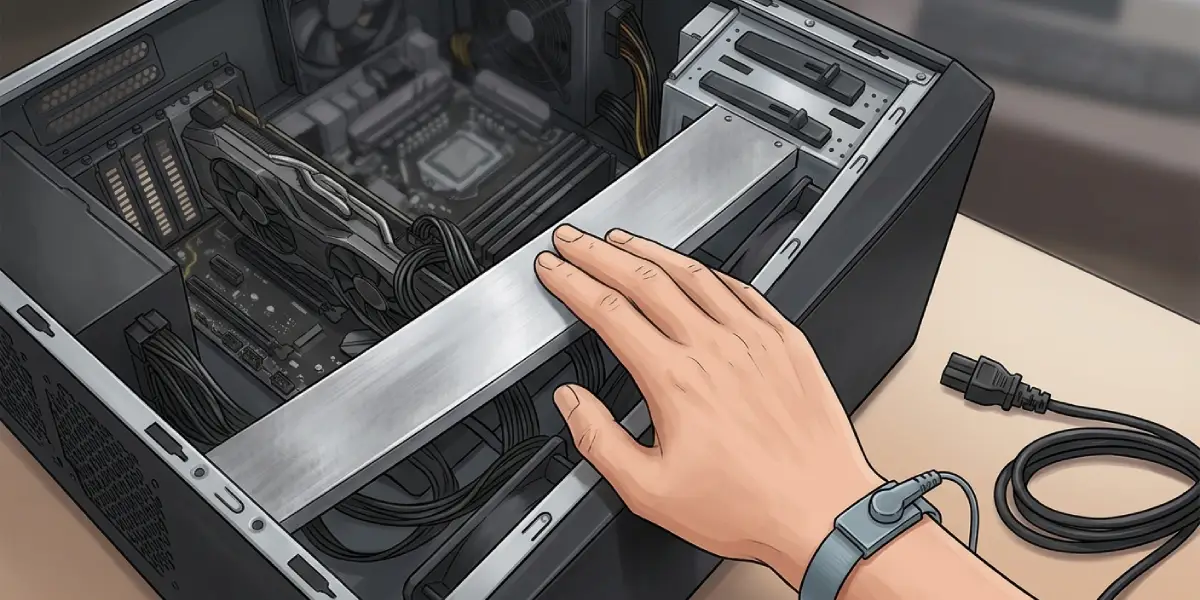
For any fix that involves touching internal hardware or the power supply, power the system off completely and unplug it from the wall outlet. Let the components cool for a few minutes if the system was recently running under load. Touch a bare metal part of the case before handling any internal components to discharge static electricity, or use an anti-static wrist strap.
Reseating cables or swapping a power supply can affect warranty coverage on some systems, so check the manufacturer’s policy first if the hardware is still under warranty. If the whine appears alongside other symptoms like crashing, artifacting, or burning smells, stop and have a qualified technician inspect the card rather than continuing troubleshooting alone.
Step-by-Step Troubleshooting
- Step 1: Cap the frame rate in the game settings or through the graphics driver’s control panel, setting it close to the monitor’s refresh rate. This single change resolves the noise for a large share of affected systems.
- Step 2: Enable V-Sync or a frame limiter feature like Nvidia’s Reflex or AMD’s Radeon Chill, which smooths out power delivery spikes tied to uncapped rendering.
- Step 3: Check the power supply’s wattage against the system’s actual power draw. If the PSU is running close to its maximum rated output during gaming, upgrading to a unit with more headroom and better voltage regulation often quiets the coils.
- Step 4: Update the graphics driver and motherboard BIOS to the latest stable versions, since power delivery firmware improvements sometimes reduce electrical noise.
- Step 5: Try a mild undervolt using the GPU vendor’s software or a trusted third-party utility. Reducing voltage slightly while keeping clock speeds stable lowers electrical load and often quiets coil whine along with lowering temperatures.
- Step 6: Reseat the graphics card in its PCIe slot and confirm the supplementary power connectors are fully seated. A loose connection can sometimes contribute to irregular power delivery and noise.
- Step 7: If the whine remains loud and consistent even at idle or during simple tasks like desktop use or video playback, contact the manufacturer about a warranty replacement, since this pattern can indicate an unusually severe case.
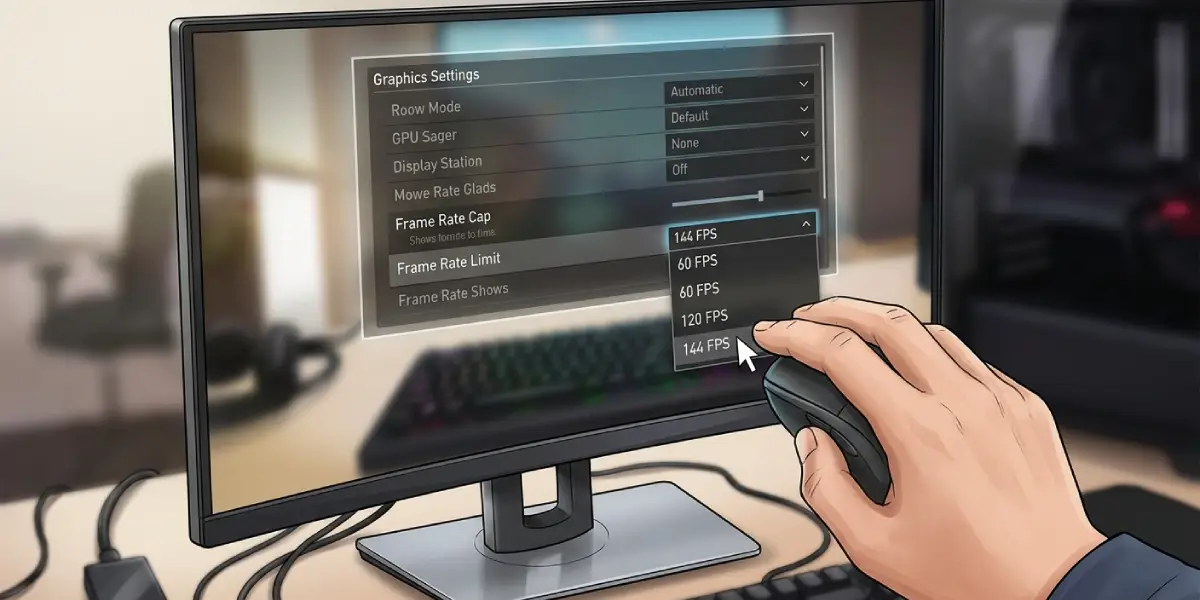
Tip: Testing frame rate caps first costs nothing and takes only a minute, so it is worth ruling out before spending money on a power supply upgrade.
Common Problems and Fixes
Whine Persists After Capping Frame Rate
If a frame limiter does not help, the power supply is the next likely culprit. Swapping in a higher-quality unit, even temporarily for testing, usually confirms whether the PSU is the source.
Whine Only Happens During Benchmarks or Stress Tests
This is normal and expected, since benchmarking software intentionally pushes the GPU to its maximum power draw. This type of whine during synthetic stress tests rarely indicates a problem and does not usually require a fix.
Undervolting Causes Instability or Crashes
An overly aggressive undervolt can cause the system to crash under load. Back off the voltage offset in small increments and retest stability with a benchmark or extended gaming session until the system runs reliably.
New Replacement Card Still Whines
Some degree of coil whine is normal on nearly every graphics card, since it is a byproduct of how power delivery components work. If the replacement card’s noise is dramatically quieter than before, the fix worked as intended even if a faint hum remains.
Whine Gets Louder Over Time
Increasing noise over months of use can point to a failing power supply rather than the graphics card itself. Testing with a different PSU helps isolate which component is actually degrading.
Frequently Asked Questions
Is GPU coil whine dangerous to the graphics card?
No, coil whine is an electrical vibration sound and does not indicate damage. It is a normal byproduct of how inductor coils handle current, though loud cases can be genuinely annoying.
Does coil whine mean the graphics card is defective?
Not usually. Nearly all graphics cards produce some coil whine under certain conditions, and it only points to a defect if it is unusually loud or paired with other symptoms like instability.
Can coil whine damage other components?
No, the noise itself does not spread damage to other parts of the system. It is purely an audible side effect of current passing through the coils.
Will capping the frame rate lower gaming performance?
Only in the sense that frame rates above a monitor’s refresh rate provide no visible benefit anyway, so capping near that number does not reduce the experienced smoothness of gameplay.
Does undervolting void the graphics card’s warranty?
Undervolting through official vendor software generally does not void a warranty, since it is a supported feature on most modern cards. Overclocking or voltage modifications through unofficial hardware modifications can be a different matter, so check the manufacturer’s specific policy.
Can a power supply really cause GPU coil whine?
Yes, an unstable or overloaded power supply is one of the most common sources of worsened coil whine, since electrical noise on its rails passes through to the graphics card.
Should a graphics card be returned because of coil whine alone?
If the whine is faint and only appears during heavy loads like benchmarks, a return is usually unnecessary. If it is loud, constant, and present even at idle, a warranty replacement is a reasonable step.
Does every graphics card have some coil whine?
Most cards produce at least a small amount under certain power conditions, though many users never notice it because it falls below audible thresholds during normal use.
Can a case with sound-dampening panels help with coil whine?
A case with dampening material can slightly muffle the noise, though it does not address the underlying electrical cause. It works best as a minor supplement to the fixes above rather than a standalone solution.
