
Knowing how to test if a laptop charger is working saves time and rules out a dead battery or a faulty motherboard before assuming the worst. A charger that looks fine can still fail internally, and a few quick checks with basic tools reveal the real problem in minutes.
Key Takeaways
- A visual inspection of the cable and adapter catches most obvious damage right away.
- A digital multimeter gives the most reliable answer by measuring actual voltage output.
- Swapping to a known-working outlet or charger helps isolate whether the charger or the laptop is at fault.
- Charging lights and connector fit matter just as much as raw voltage.
- Most charger failures come from worn cables, damaged tips, or internal component breakdown near the connector.
Before You Start
Unplug the charger from both the wall outlet and the laptop before handling it closely. Let the adapter brick cool down if it has been in use, since some models run warm during normal operation. Working on a dry, flat surface avoids accidental shorts, and hands should be dry before touching any exposed metal contacts.
Tip: Keep the original charger label visible during testing. The voltage and amperage rating printed on it is the reference number every multimeter reading gets compared against.
Tools and Materials Needed
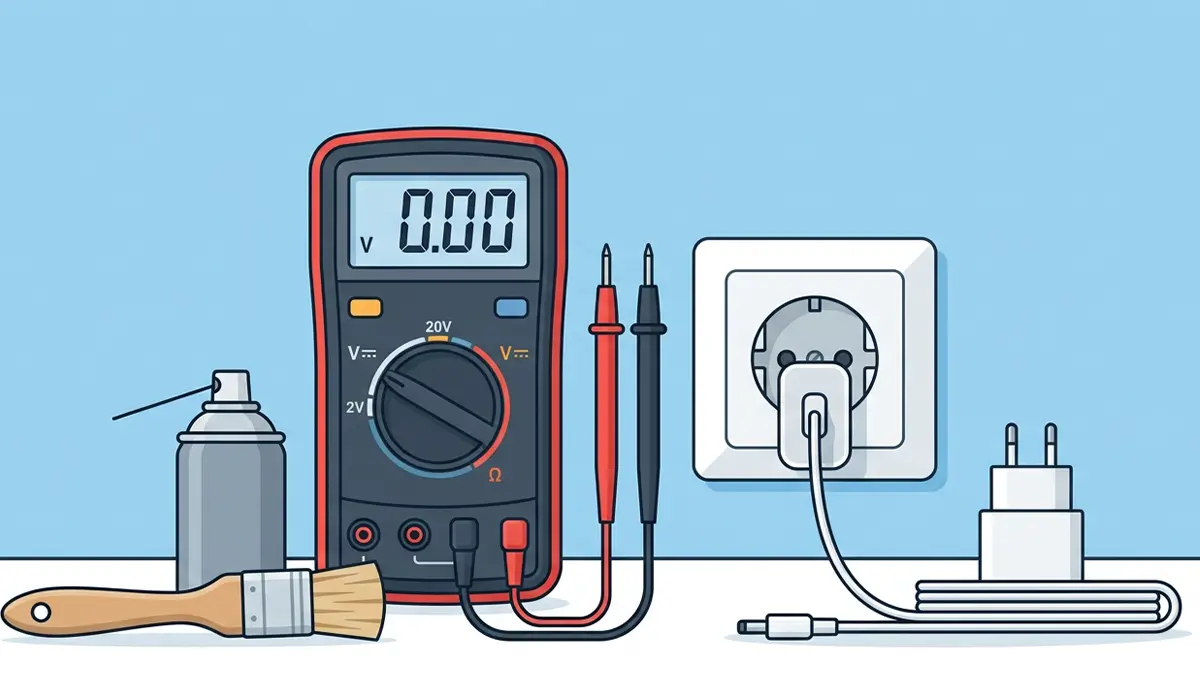
- Digital multimeter set to DC voltage
- A working wall outlet, confirmed with another device
- A known-good charger of the same voltage and connector type, if available, for comparison
- A soft brush or compressed air for the charging port, if debris is suspected
How to Test If a Laptop Charger Is Working
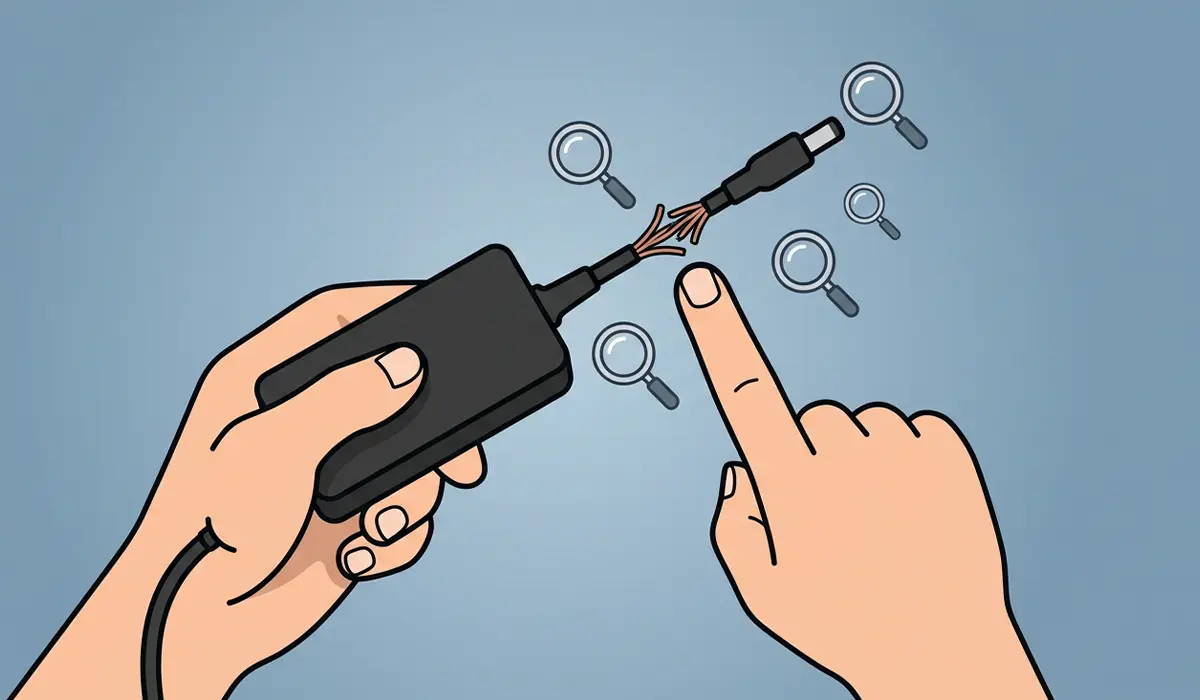
- Step 1: Inspect the entire cable length and the adapter brick for frayed insulation, exposed wire, bent pins, or a cracked charging tip. Any of these on their own can cause intermittent or total charging failure.
- Step 2: Confirm the wall outlet itself works by plugging in a lamp or another device. An outlet with no power makes a perfectly good charger look broken.
- Step 3: Plug the charger into the outlet and watch for an indicator light on the adapter or connector tip, if the model has one. No light at all often points to a dead internal component.
- Step 4: Connect the charger to the laptop and check the laptop’s own charging indicator, either an LED on the chassis or the battery icon in the taskbar. Watch for several seconds, since some laptops take a moment to register a connection.
- Step 5: Set the multimeter to DC voltage and touch the probes to the correct polarity of the barrel connector or USB-C tip, matching the positive and negative markings. Compare the reading against the voltage printed on the adapter label. A reading significantly lower than rated, or a reading of zero, confirms the charger itself is faulty.
- Step 6: If a second, compatible charger is available, swap it in. Successful charging with the replacement confirms the original charger is the problem rather than the laptop’s battery or charging circuit.
- Step 7: Gently wiggle the cable near the connector and near the adapter brick while watching the multimeter or the laptop’s charging light. A reading that flickers on and off during movement points to a broken wire inside the cable rather than a dead adapter.
Tip: If the multimeter reading matches the rated voltage but the laptop still will not charge, the issue likely sits with the laptop’s charging port, battery, or internal charging controller rather than the charger.
Common Problems and Fixes
Charger feels hot but the laptop shows no charge
This usually points to an internal fault in the adapter rather than a cable issue. Retiring the adapter and replacing it with a compatible, correctly rated charger resolves this safely.
Indicator light is on but the battery percentage does not move
Check the charging port on the laptop for dust, lint, or bent contacts using a soft brush or compressed air. A loose or damaged port often allows a light to turn on without completing a full connection.
Charging works only when the cable is held at a certain angle
This is a strong sign of a broken wire inside the cable near the connector. A charger showing this symptom should be replaced, since a partially working cable tends to fail completely without warning.
Multimeter shows correct voltage but the laptop still will not charge
With the charger confirmed good, the next step is checking the laptop’s charging port for debris or damage, followed by a battery health check if the port looks clean. A laptop technician can test the charging circuit directly if the problem continues.
Frequently Asked Questions
What voltage should a laptop charger read on a multimeter?
The correct reading matches the voltage printed on the adapter’s label, which is usually somewhere between 15 and 20 volts DC for most laptop chargers, though the exact number varies by manufacturer and model.
Can a laptop charger work without a load and still be broken?
Yes. Some chargers show a normal voltage reading with no load attached but drop or cut out completely once connected to the laptop, which is why testing under an actual connection matters alongside a multimeter check.
Is it safe to test a laptop charger with a multimeter?
Yes, as long as the probes touch the correct polarity and the multimeter is set to DC voltage, not AC or resistance mode. Testing the output side of the adapter, not the wall-facing prongs, keeps the process safe.
Why does the charger work with one laptop but not another?
Laptops often require a specific voltage and minimum wattage to charge properly. A charger rated for a lower wattage than the laptop needs may power a smaller device but fail to charge a more demanding one.
How can a bad charging port be told apart from a bad charger?
Swapping in a known-good charger is the clearest test. If charging still fails with a confirmed working charger, the port or internal charging circuit is the more likely cause.
Does a laptop charger need to be replaced or can it be repaired?
Most laptop chargers are sealed units and are not designed to be opened or repaired safely. Replacement with a correctly rated charger is the standard and safest solution once a fault is confirmed.
Can a damaged charging cable cause battery problems over time?
An unstable or intermittent charge from a damaged cable can lead to inconsistent charging cycles, which may affect long-term battery health. Replacing a failing cable early helps avoid that extra strain.
Is it normal for a laptop charger to get warm during use?
Mild warmth during normal operation is expected, since the adapter converts AC power to DC and some heat is a natural byproduct. Excessive heat, a burning smell, or visible discoloration is not normal and means the charger should be unplugged and replaced.
What is the safest way to store a laptop charger to prevent damage?
Coiling the cable loosely rather than tightly wrapping it around the adapter reduces strain on the internal wires, and avoiding sharp bends near the connector tip helps the cable last longer.
